
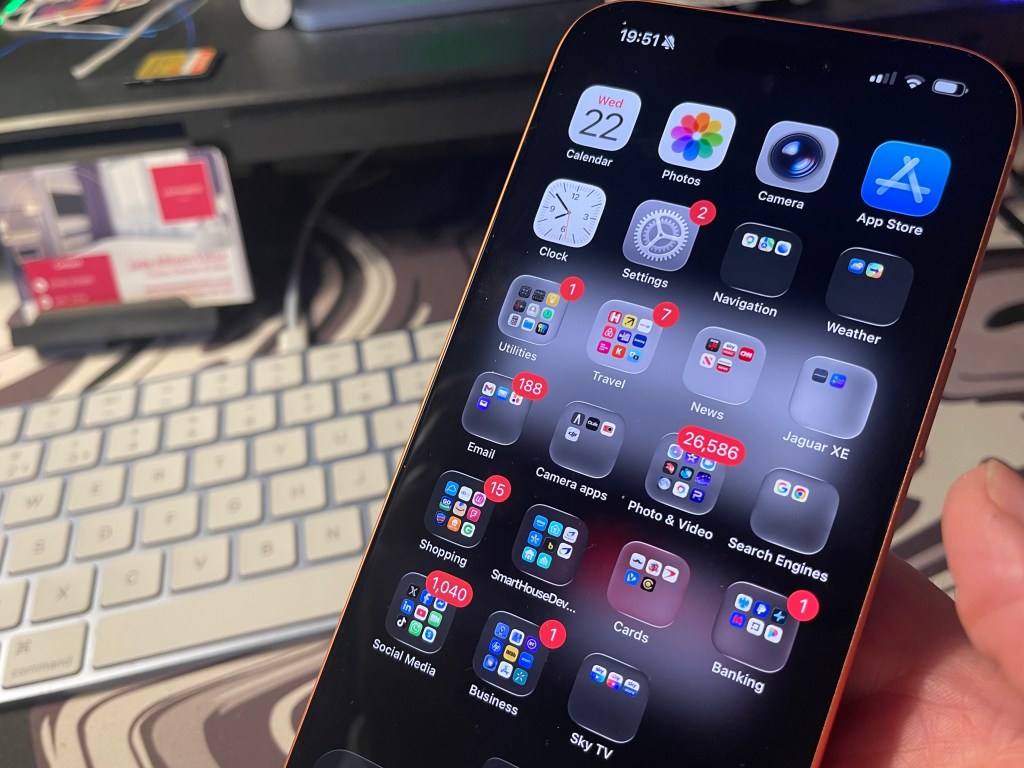

Simply… Yes! Whether you own an android phone or an iPhone, restarting you smartphone regularly by switching it off helps prevent the device slowing down and draining your battery.
Restarting your device can help make it faster by clearing temporary files, closing background processes, and free up RAM. It acts like a digital detox according to experts. Samsung actually tell Galaxy owners to restart their phones every day, appearing in a company support document dating back in 2021, and still remains policy today.
For people who own newer phones such as the iPhone17 Pro Max, experts suggest rebooting your device once a week is enough. However, those who own older phones, budget phones, that have tighter RAM have more of a need to shut their phone down more regularly.
What a Restart Actually Fixes
The mechanism is simple but frequently misunderstood. Restarting a phone does not scrub stored files or delete user data. It does one thing: it terminates every active process and clears Random Access Memory (RAM). Apps suspended in the background but still holding memory are evicted. Small execution errors that piled up during days of uptime get zeroed out. The device wakes up running only essential services.
The NSA Connection
One detail in the April 2026 analysis moves the restart beyond performance tweaks. The publication references best practices previously issued by the United States National Security Agency on mobile device hygiene. The NSA identifies regular reboots as a countermeasure against a specific class of threat. Malware that operates only in a device’s volatile memory and never writes itself to permanent storage disappears when the RAM clears.

The agency’s full guidance on mobile device protection was published in a comprehensive best practices document that includes the reboot recommendation among several security measures. The attacker must then find a new way back in. That raises the difficulty of maintaining ongoing surveillance or data collection.
This is not a defense against all compromise. But for a traveler who used an unfamiliar charging port or someone who clicked a suspect link, forcing a reboot is a low-effort disruption. The agency included the practice in official guidance, which signals the benefit is real even if its scope is narrow.
Battery Life and Automation
Battery endurance offers another reason the two sources converge on the same practice even while disagreeing on frequency. A phone that runs for weeks without interruption can develop an energy leak. A background service or misbehaving app slips into elevated power draw and drains the battery faster than the user expects.
A restart interrupts that condition and forces the system to rebuild its model of remaining capacity. Someone who has watched their phone drop from twenty percent to a sudden shutdown often finds that a reboot recalibrates the software and restores a predictable discharge curve.
The 40-80 rule on iPhones
The 40-80 rule is a popular guideline for optimising battery health. Experts suggest that you should aim to keep your iPhone’s battery level between 40% and 80% for most of the time. By avoiding extreme low and high battery levels, you can reduce the stress on your battery and prolong its overall lifespan.
The biggest iPhone battery drainers are high screen brightness, social media apps (TikTok, Instagram), location services (GPS), and background app refresh. These activities consume significant power by keeping the screen on, downloading data, or tracking location constantly.
For the best long-term battery health, you should not consistently charge your iPhone to 100%. Keeping the battery between 40% and 80% reduces strain, while regularly charging to 100% or letting it drop to 0% accelerates degradation. Using Apple’s “Optimised Battery Charging” or an 80% limit is best for lifespan
Key Considerations
- Daily Use: If you need maximum battery life for a long day, charging to 100% is fine occasionally. It won’t damage the phone immediately.
- Best Practice: Keep the battery charge between 40% and 80% to minimise stress on the lithium-ion battery.
- Optimal Charging Features: Enable “Optimised Battery Charging” in Settings to let the phone manage charging, or use the “80% Limit” option on newer models to protect lifespan.
- Avoid Extremes: Letting your iPhone drop below 20% often, or keeping it at 100% for long periods (like all night every night), can reduce your battery’s overall lifespan over 1–2years.
- Heat & Chargers: High temperatures destroy batteries; avoid charging in hot environments and use certified chargers
Summary Recommendation
If you plan on keeping your phone for more than 2years, use the 80% charge limit or Optimised Charging. If you upgrade annually, you can charge to 100% without significant concern.






Leave a Reply